Used Camera Gear for Live Streamers and Content Creators
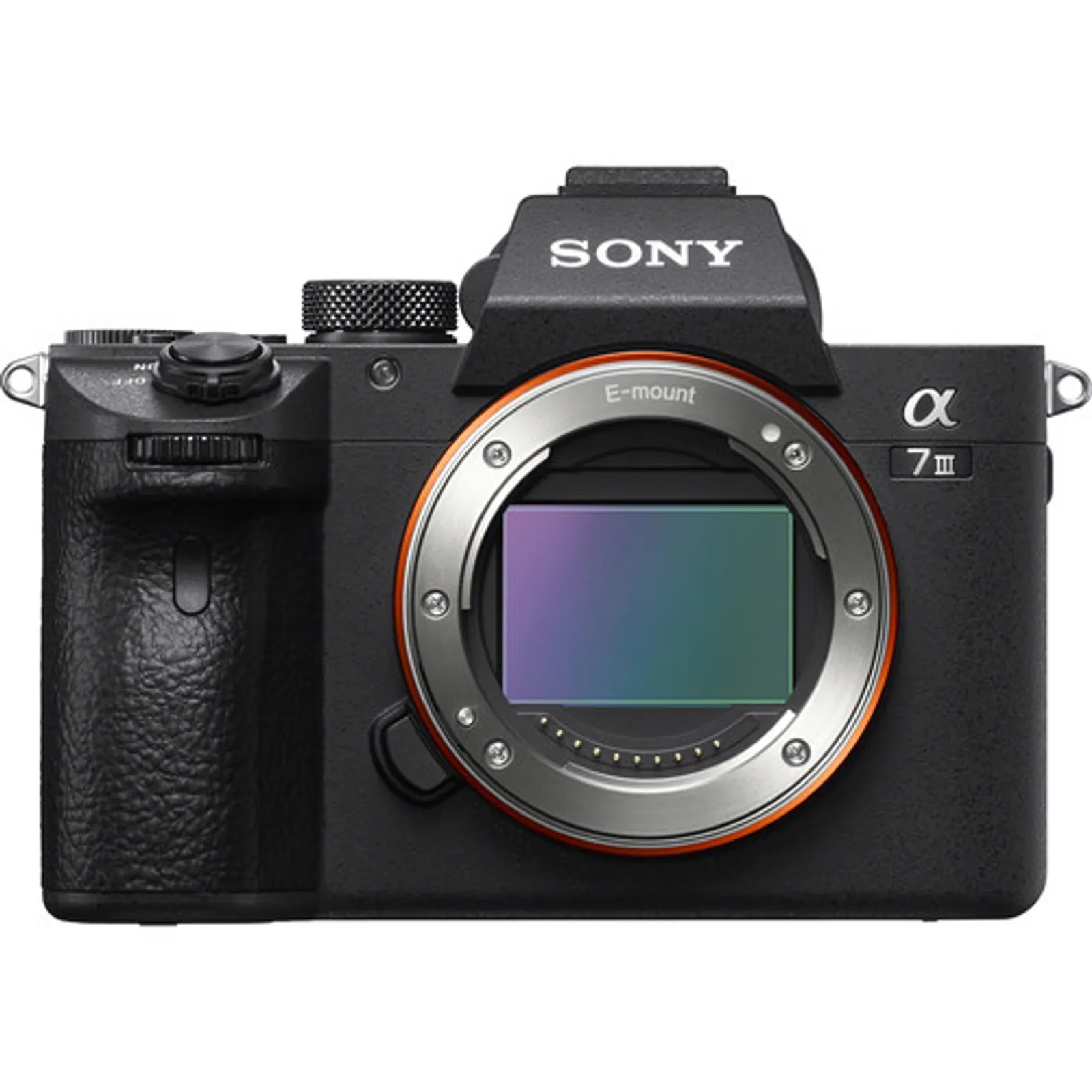
Live streamers need cameras with clean HDMI output for capture cards, reliable face-tracking autofocus, fully articulating screens for self-framing, and no recording time limits. The non-negotiable spec for a dedicated streaming setup is clean HDMI out without overlays, phase-detect face-tracking autofocus that holds during extended sessions, and a body with no 30-minute recording limit — cameras that fail those three requirements create workflow interruptions that are visible to live audiences. The Sony ZV-E10, Canon EOS M50 Mark II, and Nikon Z30 are the most popular dedicated streaming bodies. For advanced setups, the Panasonic GH5 and Sony A7 III add depth-of-field control and higher image quality. GearFocus connects you with verified sellers offering used streaming cameras starting from $250 with 48-hour buyer protection.
Browse Live Streaming & Content Creation GearUsed Camera Gear for Live Streamers and Content Creators
Live streamers need cameras with clean HDMI output for capture cards, reliable face-tracking autofocus, fully articulating screens for self-framing, and no recording time limits. The non-negotiable spec for a dedicated streaming setup is clean HDMI out without overlays, phase-detect face-tracking autofocus that holds during extended sessions, and a body with no 30-minute recording limit — cameras that fail those three requirements create workflow interruptions that are visible to live audiences. The Sony ZV-E10, Canon EOS M50 Mark II, and Nikon Z30 are the most popular dedicated streaming bodies. For advanced setups, the Panasonic GH5 and Sony A7 III add depth-of-field control and higher image quality. GearFocus connects you with verified sellers offering used streaming cameras starting from $250 with 48-hour buyer protection.
Browse Live Streaming & Content Creation GearWhat Live Streaming & Content Creation Photographers Need
Live streaming camera selection comes down to three practical requirements: clean HDMI output (no overlays or crop marks), autofocus that reliably tracks your face during long sessions, and a flipout screen so you can frame yourself without a monitor. At the budget tier, purpose-built webcams like the Logitech C920 and Elgato Facecam offer plug-and-play simplicity — no capture card needed, no settings to configure. For streamers who want the shallow depth-of-field and image quality that separates them from webcam aesthetics, the Sony ZV-E10 is the entry point: interchangeable lenses, clean HDMI out, and reliable face autofocus at under $400 used. The midrange opens up significantly. The Panasonic GH5, Sony A7 III, and Canon EOS R are all strong streaming cameras with full-size HDMI output and mature autofocus systems. The Blackmagic ATEM Mini (used as a switcher with multiple cameras) adds production value for interview formats and panel streams. Wide-angle primes and zoom lenses in the 16–35mm range are standard for desk-level streaming setups. For professional-level production streams, the Sony FX3 and Canon EOS C70 offer cinema-grade image quality with streaming-optimized autofocus. The Panasonic Leica 10-25mm f/1.7 is the go-to lens for streaming — its zoom range covers tight to wide without moving, and f/1.7 throughout provides consistent background separation.
Recommended Live Streaming & Content Creation Gear
Budget Live Streaming & Content Creation Gear
Basic 1080p or 720p, USB plug-and-play, integrated mic, minimal setup
Cameras
Logitech C920 webcam
Razer Kiyo
Elgato Facecam
AVerMedia PW series
older phone with app solutions
Lenses
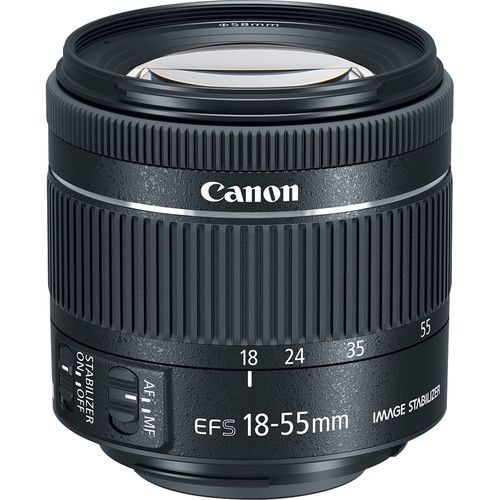
Canon EF-S 18-55mm f/4-5.6 IS STM
Market value: ~$249
View on GearFocus →Nikon AF-P 18-55mm f/3.5-5.6
Sony E 16-50mm f/3.5-5.6
Fujifilm XC 15-45mm f/3.5-5.6
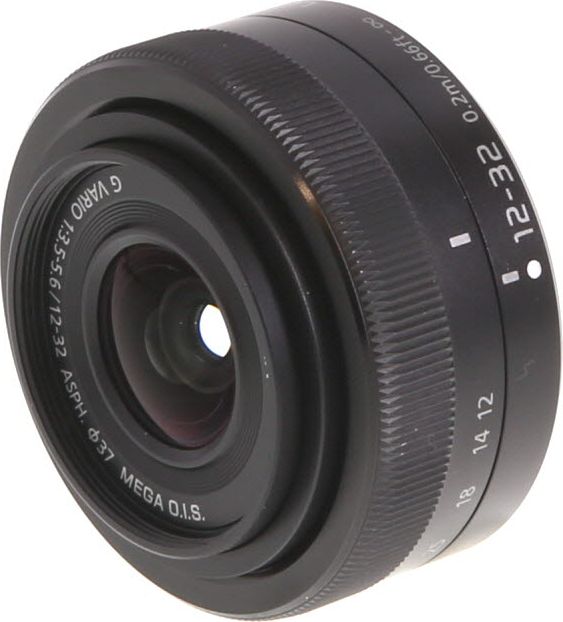
Panasonic Lumix G 12-32mm f/3.5-5.6 Vario Mega OIS Lens
View on GearFocus →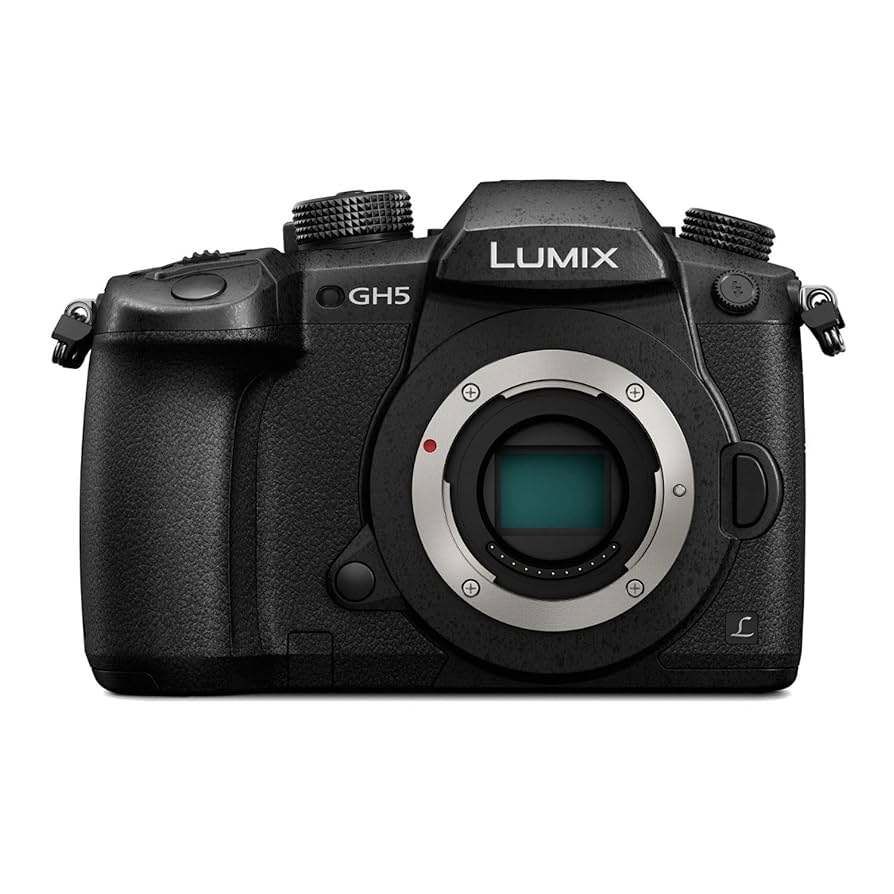
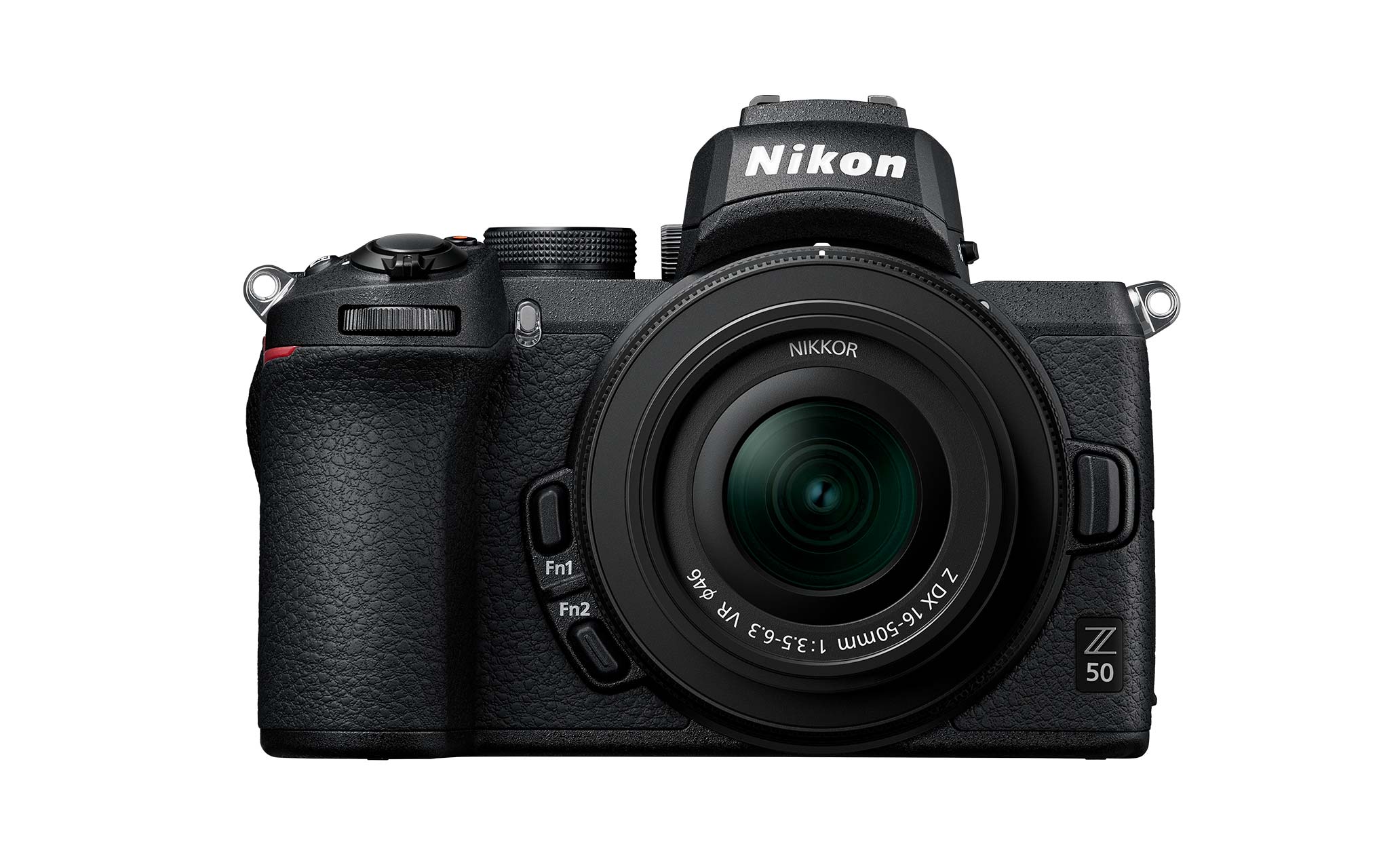
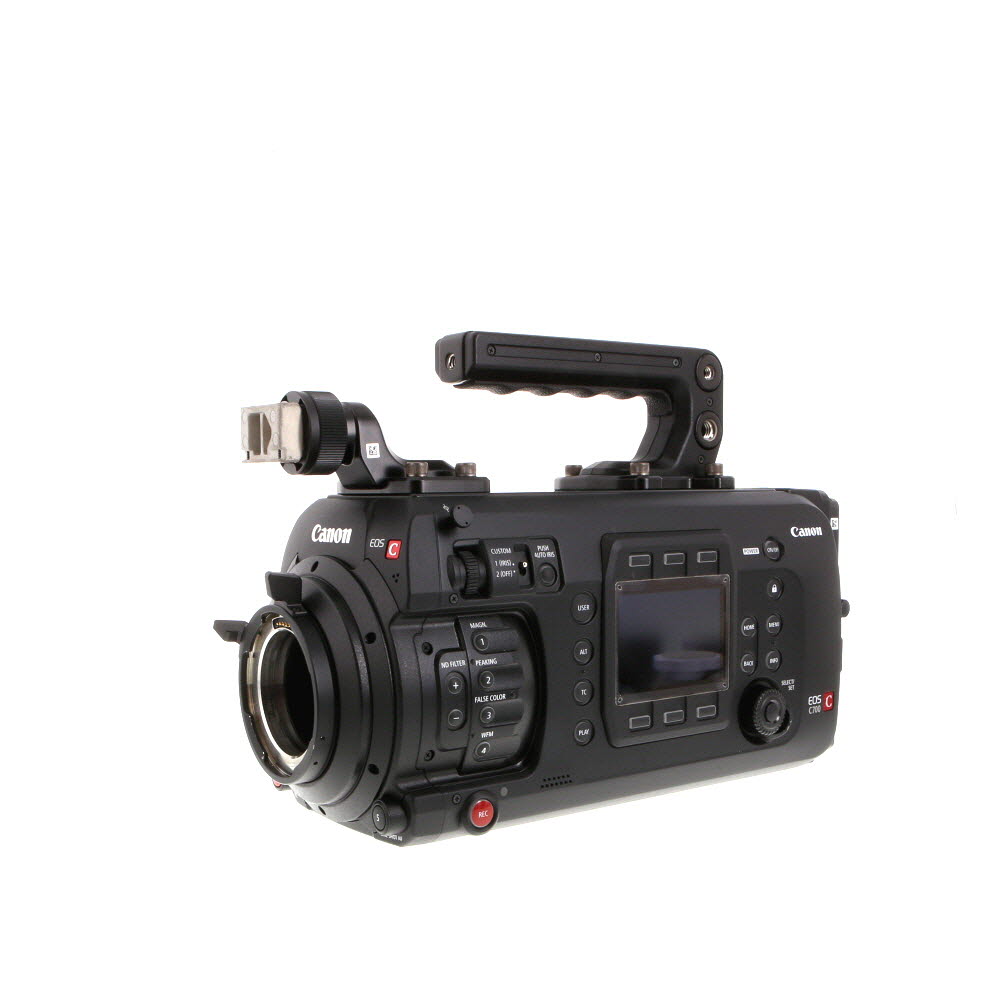
Live Streaming & Content Creation Gear on GearFocus
Why Live Streaming & Content Creation Photographers Choose GearFocus
The most popular streaming cameras — Sony ZV-E10, Canon EOS M50 Mark II, and Panasonic GH5 — cycle through GearFocus regularly as creators upgrade, giving you access to verified sellers offering used bodies at well below retail prices.
Verified Sellers Only
Every seller on GearFocus undergoes identity verification before listing gear. You know who you're buying from — not just an anonymous account.
48-Hour Buyer Protection
Inspect your gear within 48 hours of delivery. If the item doesn't match the listing description, return shipping is covered.
5% Fee vs. 13.6% on eBay
GearFocus charges a 5% platform fee. eBay averages 13.6% in fees. Sellers keep more — which means more competitive pricing for buyers.
What to Look For in Live Streaming & Content Creation Gear
Camera Sensor
Full-Frame, APS-C, or 1-Inch Sensor for High-Quality Video
Resolution
1080p Minimum, 4K Preferred for High-Quality Streaming
Autofocus
Fast & Reliable Face/Eye Autofocus for Live Presentations
ISO Performance
Good Low-Light Performance (ISO 100-6400)
Lens Type
Wide-Angle & Zoom Lenses (16-35mm, 24mm Prime)
Aperture
Fast Aperture (f/1.8 - f/2.8 for Depth of Field Control)
Stabilization
Electronic or In-Body Image Stabilization (IBIS) / Optical Stabilization for Smooth, Handheld Streaming
Screen Type
Fully Articulating LCD for Self-Recording
Audio Input
3.5mm Mic Input & XLR Support for High-Quality Sound
Video Resolution
10-bit 4:2:2 Recording for Post-Production Flexibility
Frame Rate
60FPS for Smooth Motion, 30FPS for Standard Streaming
Live Streaming
Direct USB/Webcam Mode for Streaming to YouTube & Twitch
Encoding Support
H.264 & H.265 Encoding for Efficient Streaming Compression
Connectivity
WiFi, Ethernet, & HDMI Output for Streaming Setup
Power Supply
USB-C Charging & Continuous Power Options
Storage
SDXC, CFExpress, or SSD Support for High Bitrate Recording
Software Support
Compatible with OBS Studio, Streamlabs, vMix
Lighting Control
DMX & Smart LED Lighting for Studio Setup
Customization
Assignable Function Buttons & LUT Support for Live Editing
Tripod Mount
Arca-Swiss & Quick-Release Plate Compatibility
Multicam Support
HDMI & SDI Out for Multi-Camera Streaming
Virtual Background Support
Green Screen & AI Background Removal Compatibility
FAQs
The Sony ZV-E10 is the most recommended dedicated streaming camera at the entry level — it has clean HDMI output, reliable face-tracking autofocus, a fully articulating screen, and an APS-C sensor that produces significantly better image quality than a webcam. The Canon EOS M50 Mark II and Nikon Z30 are competitive alternatives. For streamers wanting more image quality, the Panasonic GH5 and Sony A7 III are popular upgrades. The Fujifilm X-S10 is excellent for content creators who also shoot photo and video outside of streaming.
Yes, if your camera connects via HDMI to a computer — which is the most common setup. A capture card (like the Elgato HD60 S+ or 4K60 Pro) converts the camera's HDMI output into a USB or PCIe signal your streaming software (OBS, Streamlabs) can read. Some cameras support USB streaming directly without a capture card — the Sony ZV-E10, Canon EOS M50 Mark II, and Fujifilm X-S10 all support USB-C streaming. If you're streaming directly to a platform via the camera's built-in WiFi, no capture card is needed.
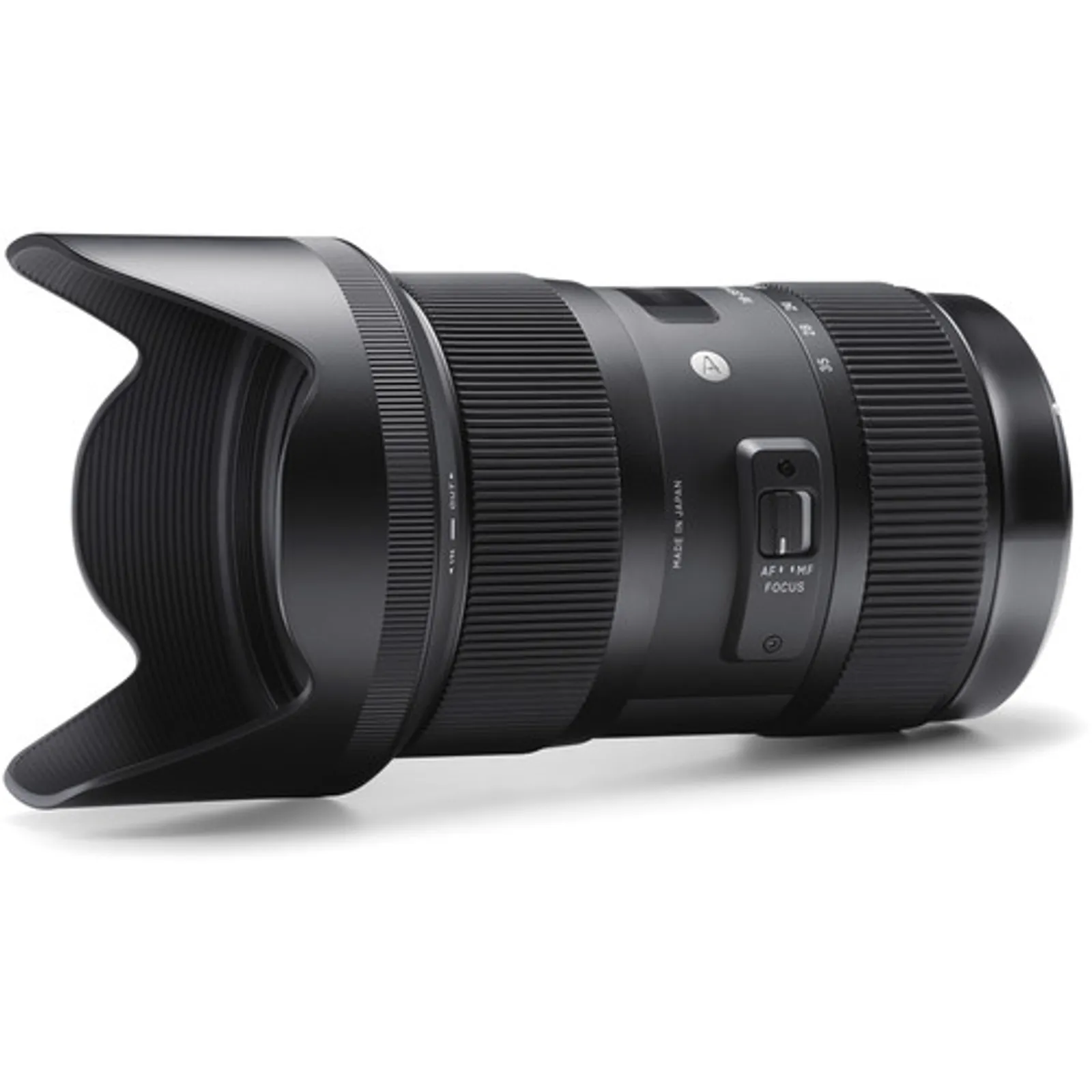
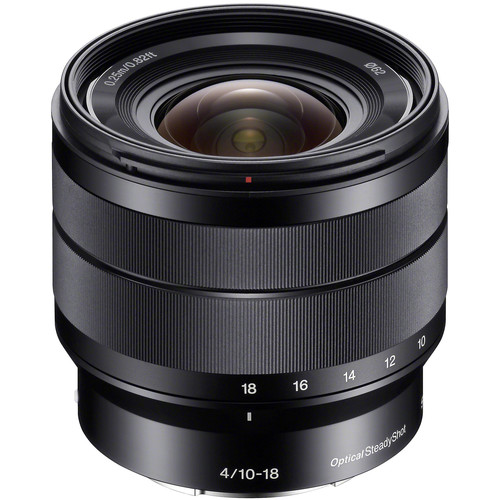
A wide prime in the 16–35mm range (full-frame equivalent) is the standard for desk-level streaming. The Sigma 18-35mm f/1.8 DC is particularly popular — it covers the full range from wide to slightly telephoto in one lens with a constant f/1.8. The Sony E 10-18mm f/4 covers very wide for over-the-shoulder game setups. For stationary setups where you've dialed in your focal length, a 35mm f/1.8 prime gives excellent subject separation. The Panasonic Leica 10-25mm f/1.7 is a premium choice for Micro Four Thirds streamers who want zoom flexibility at a constant fast aperture.
A flip-out screen (also called a vari-angle or fully articulating screen) rotates out from the camera body so you can see the frame while shooting toward yourself. For live streamers and vloggers who shoot alone, it's essentially a requirement — without it you're guessing at your framing. Cameras with fully articulating screens include the Sony ZV-E10, Canon EOS M50 Mark II, Panasonic G100, Nikon Z30, and Fujifilm X-S10. Cameras with only a tilting screen (like the Sony A7 III) are less ideal for solo streaming.
Yes, most modern DSLRs with clean HDMI output work for live streaming when paired with a capture card. The Canon EOS Rebel series and Nikon D5600/D7500 all produce clean HDMI. The limitation is autofocus — DSLR live view autofocus is generally slower and less reliable than mirrorless face-tracking. If you're stationary and can pre-focus, a DSLR works fine. For dynamic streaming where you move around, mirrorless cameras with phase-detect autofocus (Sony ZV-E10, Canon EOS M50 Mark II) track faces significantly more reliably.
Background blur (bokeh) in streaming comes from three factors: a large sensor, a fast aperture lens, and distance between subject and background. The Sony ZV-E10 with a 35mm f/1.8 lens gives you genuinely good background separation at under $500 combined used. A standard webcam cannot replicate this effect regardless of software blur filters. The wider your aperture (smaller f-number) and the larger your sensor, the more pronounced the blur. Keeping 5–10 feet of distance between yourself and your background amplifies the effect significantly.
OBS Studio (free) is the standard — it accepts input from capture cards, USB cameras, and network streams. Streamlabs is a popular alternative with built-in overlays and alerts. Ecamm Live (Mac) and vMix (Windows) are professional options with more switching features. Most Sony, Canon, and Fujifilm mirrorless cameras have companion apps (Sony Imaging Edge, Canon EOS Webcam Utility, Fujifilm X Webcam) that let you use the camera as a USB webcam without a capture card. The Blackmagic ATEM Mini series functions as a hardware switcher and capture card simultaneously for multi-camera setups.
Yes, when buying from a verified marketplace. GearFocus requires identity verification for all sellers and includes 48-hour buyer protection on every purchase — if a Sony ZV-E10 or Canon EOS M50 Mark II arrives with a broken flip screen, HDMI output issues, or autofocus that drops faces during sessions, you get a full refund with seller-paid return shipping. Unlike general marketplaces, GearFocus is built for the camera community, so sellers accurately describe clean HDMI output, articulating screen condition, and USB streaming compatibility. The most popular streaming cameras cycle through GearFocus regularly as creators upgrade, keeping recent bodies available at competitive prices.